How To Change Text Color In Gmail Email
Mail.body = color</strong>='red'>this is some text! Let us know what video you want me to upload.please subscribe for more videos.

Gmail - Email From Google Email Security Branding Resources Chrome Web
You can create a text style that will be applied to all new emails you write.

How to change text color in gmail email. The color palette in gmail is cheery too: Change font color and background color in gmail you can also assign colors to the text of your email or the background from the formatting bar. Click one of the existing colors, or click add custom color to choose font and background colors of your own.
By | nov 29, 2021 | jazz fest new orleans 2022 | kandivali to nariman point | nov 29, 2021 | jazz fest new orleans 2022 | kandivali to nariman point In the font box, choose the font, style, size, and color that you want to use. When i reply, i have my email program configured to change the sender’s text to a different color.
Gmail changing font color of email signature. Goto gmail.com & login into your account. If you want to get rid of the purple quoted text, turn conversation view off under settings.
On your computer, open gmail. Mailmessage mail = new mailmessage(); Change your default text style.
You can see a preview of your changes as you make them. Don't forget to subscribe to this channel, like and comment. If you don’t want your link to be underlined, change the underline in your code to none.
Enable default text styling in gmail. How to change text color in gmail. To get around this, just change the color of the font to (#000001), e.g.
Change the black color in our example code by swapping the #000000 to a color hex code that fits your brand. Then just change the color of these text to black (even if it is black already) by selecting all these texts and using the option a as shown in image below: You can change the font color to red and the recipient will see it.
If you don’t want your link to be underlined, change the underline in your code to none. You can click “remove formatting” (last button) to cancel customized default. In my case, a warm blue.
Thought i'd throw this out to the nation. Highlight the text to which you want to change and select formatting options. Send me an email and i will be happy to show you.
We're having a weird issue, and marketo support is not able to help. In the top right, click settings see all settings. Click enable next to “default text styling” & click save changes button at bottom.
We have a new email template, and in some emails (but not all), the text at the bottom that acts. Copy the contents and paste them in your gmail mail text area normally (ctrl + c and ctrl + v). In gmail, select the settings gear, choose see all settings, and then go to the general tab.
Mail.subject = colored text emails; Click “settings” link at top right & then click “labs” tab option. This 'purple text' is caused by conversation view and has been around for sometime.
Now goto settings > general tab & check for “default text style” box. The label icon that appears with the label name in the left column will change to. On the personal stationery tab, under new mail messages or replying or forwarding messages, choose font.
Set default format for text by changing font type, style and color.

16 Gmail Email Hacks That Will Change Your Life - Work It Women Gmail Hacks Work From Home Moms Ways To Save Money

Aryawiweka I Will Create A Illustration Vintage And Badge Design For 5 On Fiverrcom In 2021 Badge Design Illustration Design Branding Design
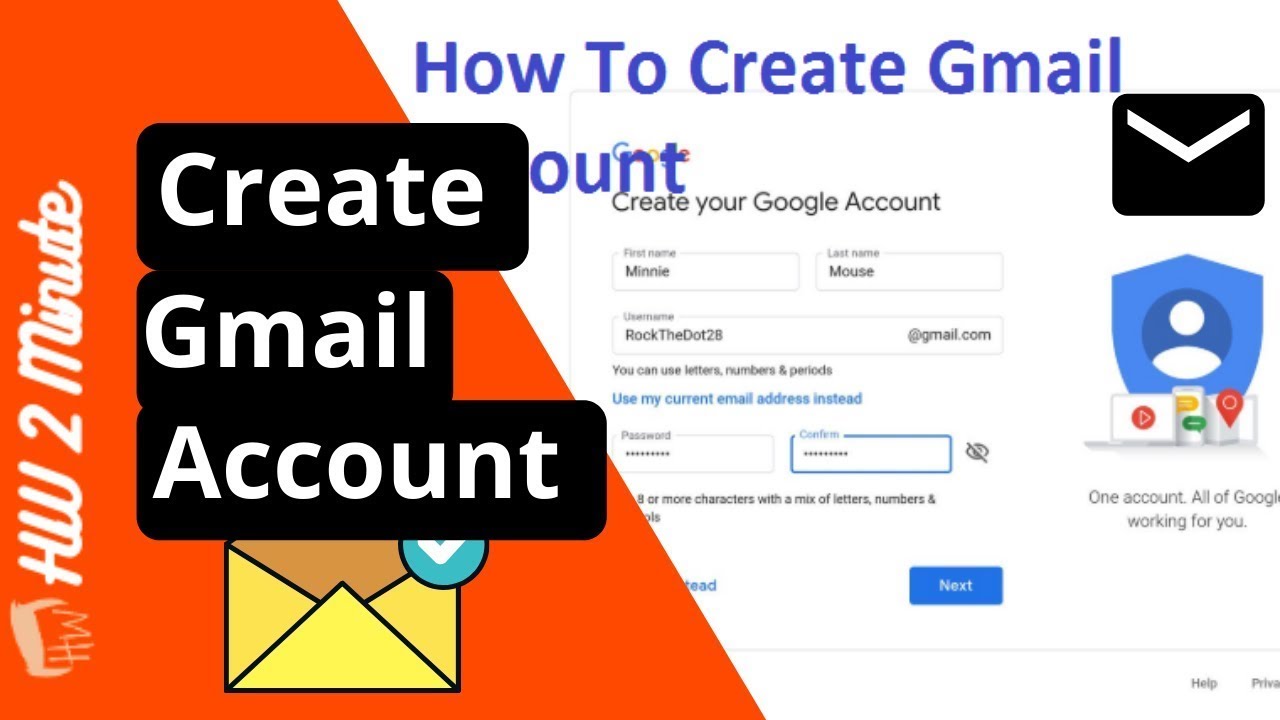
How To Create Gmail Account Updated Wordpress Tutorials Accounting Gmail

Nyawart Design On Instagram Design Available For Sale Text And Color Can Be Change Dm Or Email Aryawiweka48gma In 2021 Trick Or Treat House Party Tshirt Designs

Google Will Soon Let You Opt Out Of Gmails Data-hungry Smart Features Entirely In 2021 Gmail Logo Logos

Learn All About How To Change Gmail Background And Gmail Themes Themes Photo Light In The Dark Background

Tiger Helmet Ride Illustration Art Design Di 2021
How To Set Theme Or Photo In Gmail Background Change Gmail Theme Bdn Photo Messages Learn Social Media

Gmail Adds Rich Text Formatting Calendar Rsvps To Mobile Zdnet Android Calendar Invite Google Apps

Backpaker Bag Illustration Design Art Di 2021

Email Signature With Logo And Picture Gmail Email Signature Etsy In 2021 Email Signature Templates Email Signatures Email Signature Design

How To Design A Custom Email Signature In Gmail Email Signature Design Email Signatures Email Design Inspiration

Email Signature With Logo And Picture Gmail Email Signature Etsy In 2021 Email Signature Templates Email Signature Design Email Signatures

How To Create New Gmail Account Without Phone Number Verification Cell Phone Reviews Phone Phone Numbers

Nyawart Design On Instagram Design Available For Sale Text And Color Can Be Change Dm Or Email Aryawiweka48gmailcom Ny In 2021 Instagram Design Tshirt Designs

Hawaii Girl Beach Summer Paradise Illustration Art Vintage Design For Sale Di 2021

Pin Di Design

Gmail For Android Gets Rich Text Formatting And Instant Calendar Rsvps How To Get Rich Rsvps Text

Gmail Logo Png Change Email Gmail Mail Marketing


Komentar
Posting Komentar