Match Font Photoshop Cs6
I just started with cs6 and though i am learning photoshop. I have photoshop cs6 extended and i would like to get the match font option.

Cara Mengetahui Jenis Font Menggunakan Photoshop - Mahir Photoshop
Navigate to the type menu and hit the 'match font' function.

Match font photoshop cs6. Photoshop can now analyze, identify, and match latin fonts from an image or photo, ta. From the toolbar, choose type > match font. I am working on an image website called good morning images you can check for reference.
From the toolbar, choose type > match font. If you created a comp for an ad, a meme, a brochure etc. If it is still in.psd format and you have not rasterized the type, click on the layer and check to see wh.
This is a newer edition than cs 6. Itulah yang dapat admin bagikan mengenai cara mengetahui jenis font di photoshop cs6. A user of adobe products for about 20 years.
From the toolbar, choose type > match font. Try this, close photoshop and right click on either the photoshop.exe or the photoshop shortcut and select properties, then click on the compatibility tab. How to match font in photoshop cs6 how to identify and find fonts from images adobe.
If you made a “drawing”, it would not contain any text. Use this tool to select the area of the image that contains the text you want to match. Simply go to the type menu and select match font and then crop the area to the font you'd like to try to recognize.
Now simply navigate to the type menu and hit the 'match font' function. Additionally here are other resources to help you identify a font. I know a few people who have this feature but they have different versions of photoshop.
Hi, i just tried it out with my photoshop cs6 and the feature is. It might be that your cs4 extended is not rendering your fonts properly, basically when photoshop does not find the font used in text layer it shows the font name and ask for font substitution (see the attached screenshot, there is same issue i also don't have the font which is used in my photoshop text layer but still it is showing the font name, so i can find this somewhere. Photoshop allows you to match the font used in that image.photoshop’s match font tool allows users to cl.
You need to open the photoshop document and edit the text. From the toolbar, select the type tool. The cc, creative cloud is the next edition and exists on the cloud and is updatable constantly.
How do i change font in photoshop cs6? Next, move the selection box around the type that you want to match. If playback doesn't begin shortly, try restarting your device.
There is a match font in adobe photoshop cc (creative cloud). In this tutorial, i show you how to match the font from an image using match font. Open the image in photoshop and select the rectangular marquee tool.
You can edit text by selecting it, then clicking ok. Go ahead, scroll down, and. Adobe premiere pro cc 2018 the new font menu larry jordan.
Ever had trouble finding the font used in an image? This option will only be available on the latest release of photoshop, so if you haven’t upgraded your software, be sure to do so. You can edit your font type, font size, font color, text alignment, and style in the options bar at the top.
There are a few things that you can do. Use this tool to select the area of the image that contains the text you want to match. Open the image in photoshop and select the rectangular marquee tool.
Open the image in photoshop and select the rectangular marquee tool. (i pulled this list from a graphic design stack exchange meta post) How to identify font in photoshop cs6 how to identify and find fonts from images adobe.
That was the last edition what could be purchased as a package. You will get a list of the closest font matches adobe can find. The tighter around the type your selection is, the better.
Thanks to the magic of adobe sensei (adobe’s artificial intelligence) photoshop uses intelligent imaging analysis to determine a font that is used in a photo. Not sure if it's something i can download as a plugin or not but does anyone know how i can get this on my photoshop? Match fontever look at an image or design and love the font but not sure what it is?or maybe you are working on a design and your font is just not.
Photoshop cc 2015.5 tutorial showing how to use the match font feature. Match font allows you to take the guesswork out of identifying certain fonts and it lets photoshop cc do all the hard work for you. Use this tool to select the area of the image that contains the text you want to match.
Choose from the matched fonts already installed on your machine, or download from typekit by clicking the cloud icon. In every image i want to insert text with cool fonts (new fonts) so, can anyone tell me how to add more cool fonts (extra fonts) so that i can create a nice image and post it on my website. Below we present a roundup 40 + best free photoshop fonts to download.
It may take a few moments but photoshop will eventually launch a new window showing the best matches in your library and similar matches from the typeset font library that you can then download. This collection includes the best free display fonts, block fonts, geometric fonts, decorative fonts, and much more to match any kind of design project you’re working on. Now add text to the image using the matched font.

Photoshop 101 - How To Show Font Previews Photoshop Cs3-cs6 - Youtube

Cara Mengetahui Jenis Font Dalam Photoshop - Koncoy

How To Match Fonts In Photoshop Cc - The Complete Guide On Finding Fonts

Adobe Photoshop Match Font Nsl Wk 262 - Youtube
Cara Mengetahui Jenis Font Di Photoshop Cs6

Identify Font Photoshop Tutorial - Youtube

Photoshop Tutorial How To Use Photoshops New Match Font Tool To Identify Fonts Used In Photos And Designs - Digital Arts
8 Cara Mengetahui Jenis Font Dari Gambar Tanpa Ribet

Match Font Plugininstallation For Photoshop - Adobe Support Community - 9602409

Cara Mengetahui Jenis Font Menggunakan Photoshop - Mahir Photoshop
Memanfaatkan Fitur Match Font Pada Software Pengolah Gambar Adobe Photoshop


Type Tips For Photoshop Cs6 - Tipsquirrel

Photoshop Cs6 - Matching Text With Image Video Tutorial - Youtube
Cara Mengetahui Jenis Font Di Photoshop Cs6


Fungsi Match Font Di Photohsop

How To Use Photoshops Match Font Tool In Four Easy Steps Layout

Photoshop Fonts How To Identify Copy And Match Lp Club
Quick Tip Match Font In Photoshop - Youtube
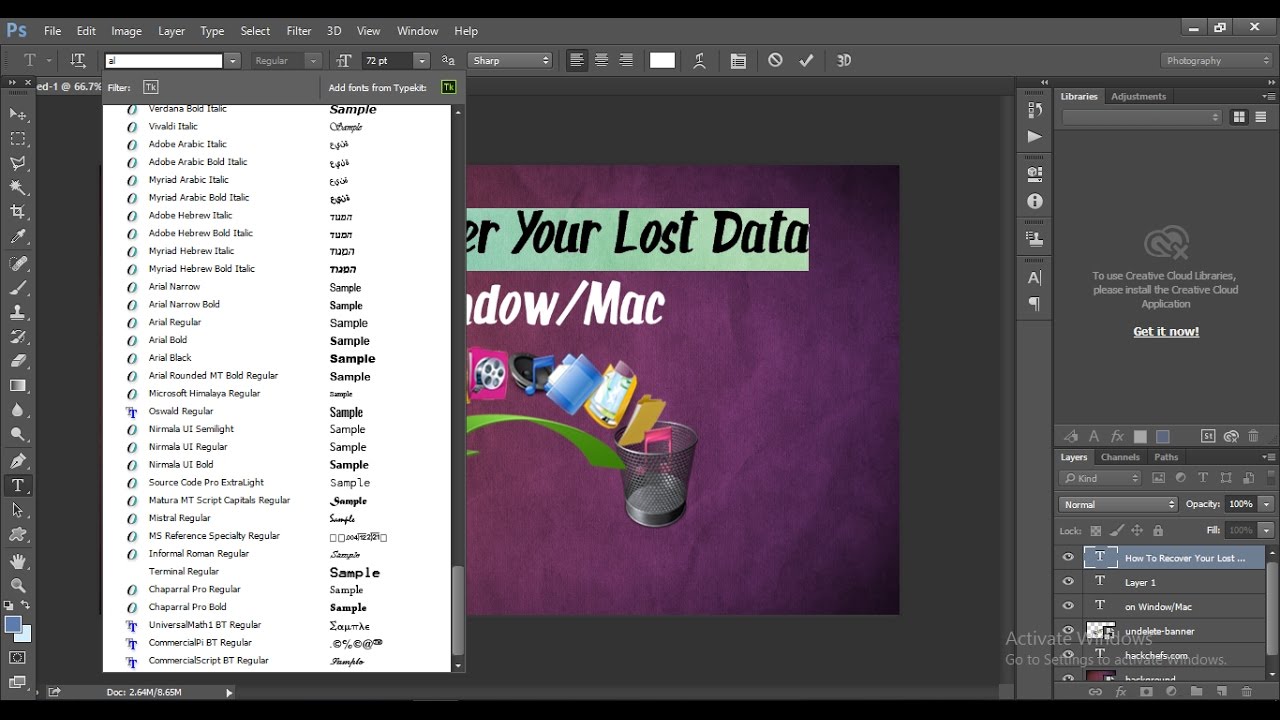
How To Download And Add Font In Photoshop Cs6cccs5 2017 - Youtube


Komentar
Posting Komentar