Can You Add Fonts To Canva
Start by going to fonts.google.com. Enter any canvas dimensions you want and hit the create new design button.
How To Import New Fonts On Canva - Youtube
Remember, you need canva pro, enterprise, nonprofit, or education plan to upload a custom font.
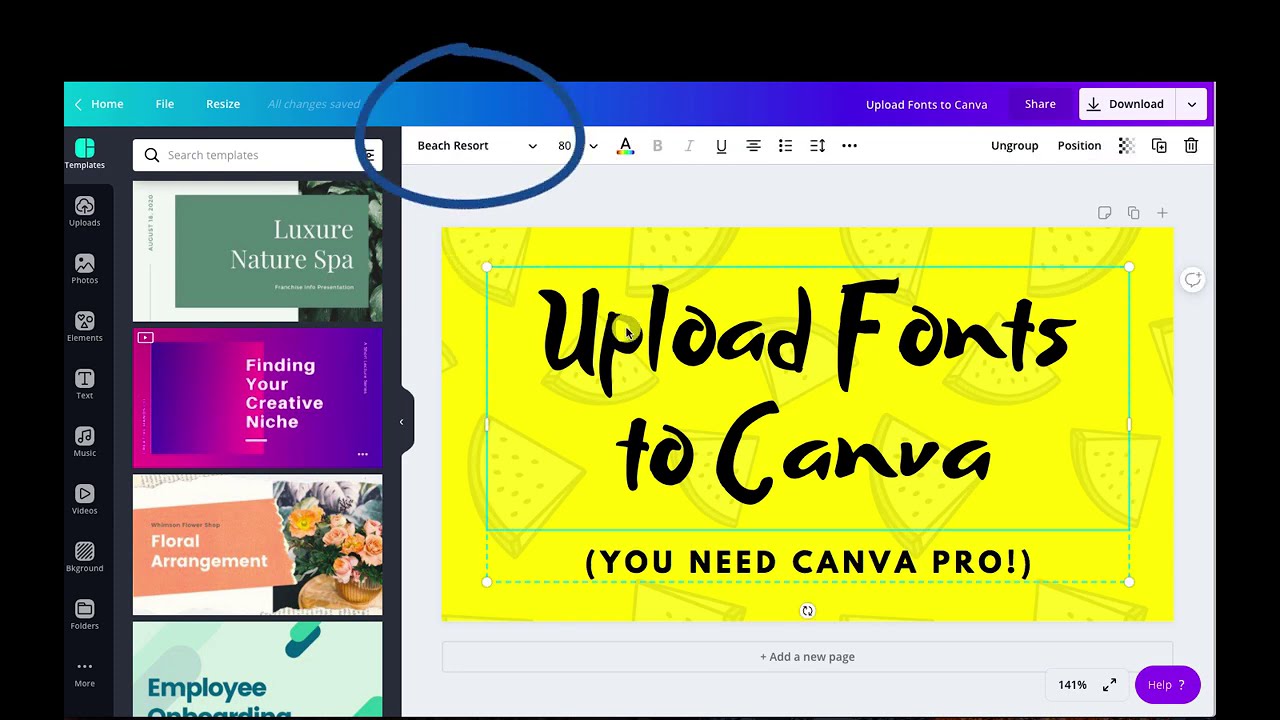
Can you add fonts to canva. They either become a safely and embedded resource in the pdf (which is a legally correct and common practise for fonts), or they're being visually rendered into pixels on a screen, or ink dots on a. After you log in to your canva account, click “brand kit” from the panel off to the side. Now, log in to canva and choose the text type as nato sans (देवनागरी), and paste the converted words from.
To keep our focus straight, we will look strictly at features that affect our canva font possibilities. Do that and then click choose. Choose the font you wish to use in canva.com.
You will see a message pop up in canva asking if you have the right to use the font. Open canva.com and create an account or log into your account. Here you’ll see any brand kits you have created and where you’ll see fonts as you upload them.
Click “upload a font” which is found under the brand fonts section. Yes, it’s possible to add external fonts to canva, but currently, this is only possible via the canva website you can’t upload font from a mobile application. Unfortunately, you can not upload your fonts to the free version of the tool.
As you can see, i already have a number of fonts i've uploaded to canva.to upload a new font, click on 'upload a font' at the bottom, select the font you wish to upload from your computer, and click on open. If you’ve been using this font, you should have it installed on your computer already. Once you have found the fonts you love, it is time to upload them to canva.
Canva pro gives you access to premium fonts, elements, photos, and more. From here, you’ll be able to select your font from your computer. Yes, you can add fonts to canva, but the ability only comes with the canva pro membership ), where you can add custom fonts through your project or directly through your “brand kit.”
With your blank canvas open, click the t key on your keyboard to add a text box. If this is the case, click yes, upload anyway. Click the ‘upload a font’ option and find the font file on your computer then select this.
Click anywhere to save changes. When the open window pops up, click on the location of the fonts folder you saved your new font(s) in and double click the font you would like to add. You may previously have the font you want to upload on your computer, but you can also use several sites to find amazing new fonts.
Can you add fonts to canva? You can write hindi fonts in canva easily, by following these steps. Pro users can create a brand kit to make their workflow more agile.
The best handwriting fonts availabe in canva free and pro the best modern brand fonts on canva. You’re able to use multiple font file types: Canva supports otf, ttf, and woff font formats.
You can read more about pricing and features here. You do need to have a canva pro account for this. Before you can start uploading fonts to canva, you first need to download a font.
That's how you upload fonts to canva! A list of fonts will display and you should see your new uploaded fonts towards the top of the list. In this design school tutorial, you will learn how to add fonts to your canva brand kit.
Canva will ask you to confirm that you own the fonts and have the right to use them. Type in your text in the space provided, such as 'this is my canva font', and then click on 'done'. You can use your font now in canva.
To use your fonts on canva, you’ll have to upgrade to the pro version. Once you’re there, you can filter through the categories & options to find something you like. If the font you want is not on the list but you have a licensed copy of it, you can upload it to canva.
With canva pro you get access to: Your brand kit will now feature a. You can only set one default font each for headings, subheadings, and body text per brand kit, which will be available in the editor when adding text to designs.
.otf,.ttf, or.woff formats are accepted! The fonts won’t be a problem. Convert your english words in hindi with the help of this website.
After clicking the button, it’s time to select the fonts that you want to upload. You can find this brand kit on the left menu. You will get an honest analysis that will allow you to make the right decision for you.
Under brand fonts, you can choose from canva’s library or click the upload a font button to add your own. Login into your canva.com account. Head over to your actual canva.com project, or create a new project.
You can also set the font size, and make it bold or italic. Go to your brand kit area on the main menu. 3000+ fonts instead of 1700
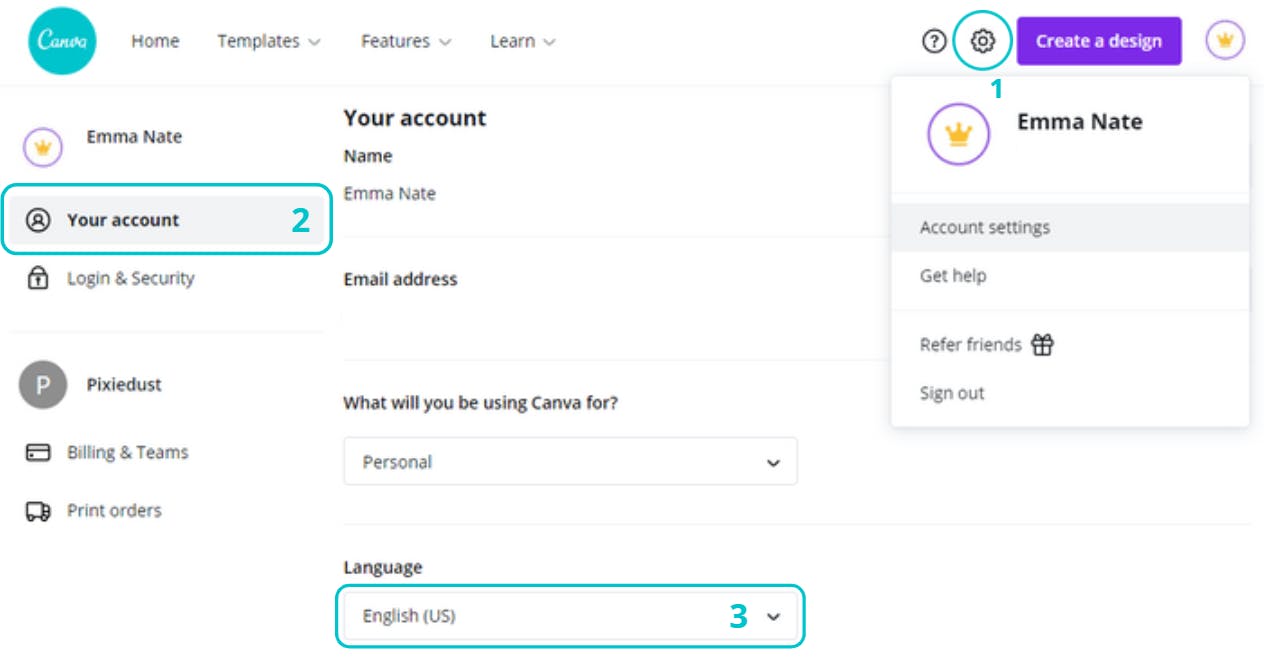
Language Settings - Canva Help Center

Pin On Social Media Tips

How To Upload A Custom Font To Canva
How To Upload Fonts To Canva - All Things How

How To Upload A Font To Canva Add Custom Fonts Import For Your Brand
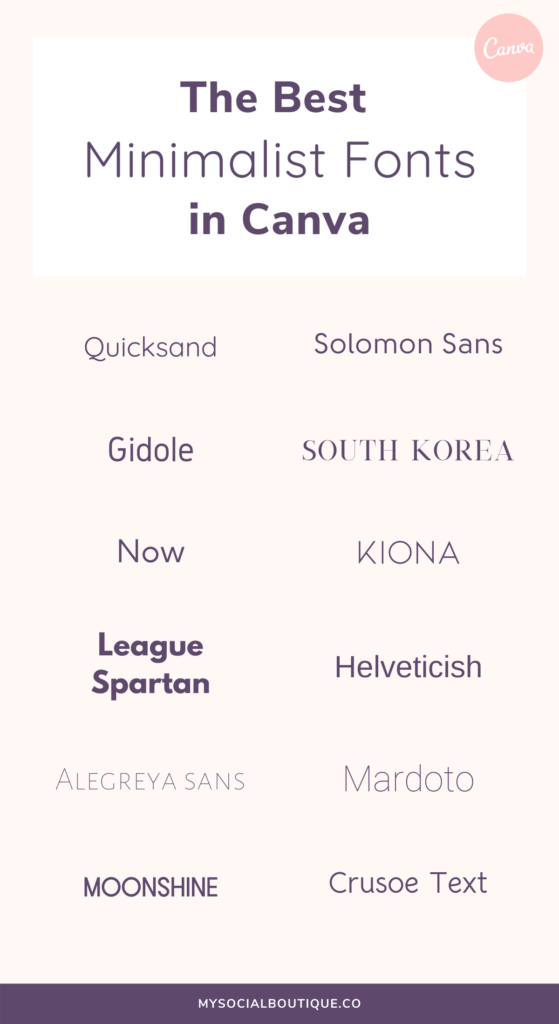
The Ultimate Canva Fonts Guide - My Social Boutique
Best 10 Font Trends To Try In 2021 Canva

15 Best Canva Font Pairings For Pinterest Bmsocialside Font Pairing Canva Design Graphic Design Tips

How To Upload Fonts To Canva - All Things How
How To Upload A Font To Canva Add Custom Fonts Import For Your Brand
How To Upload Your Own Fonts To Canva For Work Canva Pro - Youtube
How To Upload A Font To Canva Add Custom Fonts Import For Your Brand

15 Best Canva Font Pairings For Pinterest Bmsocialside Font Pairing Business Fonts Font Combinations
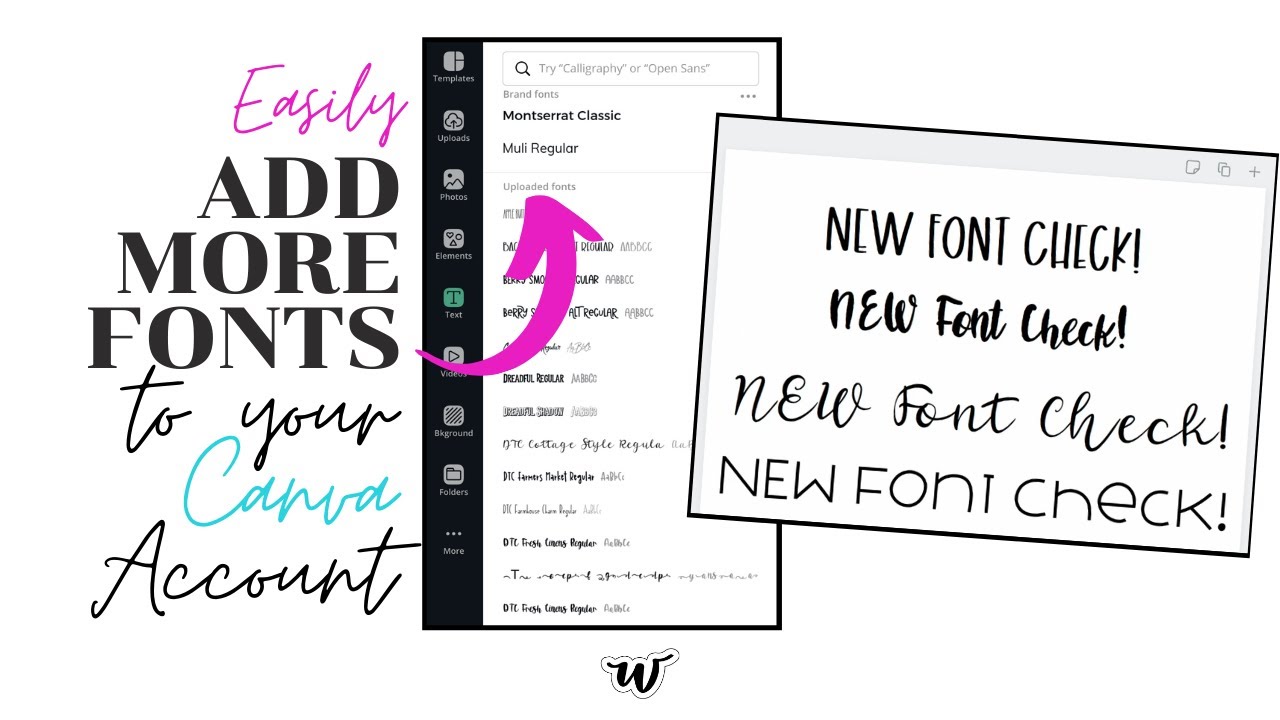
How To Add Google Fonts Or Any Font To Canva - Youtube

20 Best Canva Font Pairings For 2020 - Digital Hygge

How To Upload A Font To Canva Add Custom Fonts Import For Your Brand

Complete List All Fonts That Are In Both Squarespace Canva Paige Brunton Squarespace Templates Squarespace Designer Courses Aesthetic Fonts Squarespace Canvas

How To Upload A Font To Canva Add Custom Fonts Import For Your Brand

How To Upload Fonts To Canva And Find Fonts - Design Hub


Komentar
Posting Komentar