How To Change Font Color In Premiere Pro
With font unchangeable in premiere. In this video i go over how to change the all your title colors in your premiere project in 3 easy steps #shortshow to replace all fonts quickly:

Premiere Pro Cs6 Techniques 65 Color 18 Leave Color Effect - Youtube Premiere Pro Tutorials Premiere Pro Premiere
The menu (with all possibilities to change color, etc) did not appear.

How to change font color in premiere pro. In this section, we're going to be diving into how to use the type tool. A tutorial on how to change the color of text in premiere pro cc 2019. Click the text you want to edit.
If you're looking to add subtitles to your video, check out this tutorial instead! Then upload the template back into premiere pro. Select the type tool (t) select the type tool and drag a box onto your video to write some text into.
Click on the color tab at the top to switch to the color screen. Below in essential graphics panel is “text tab”, where you can select the font you prefer. Make a mini animation that loops continuously on instagram.
How to replace colors in adobe premiere pro. With font changeable in premiere. [help] premiere pro text color change from white to red.
Duplicate the mogrt file just in case mac Select the footage, then you can edit it on essential graphics panel. Hei, i could not color the text or a background frame (eg rectangle) in legacy title.
Double click on the title either in the timeline or project window and it will open. Move the sliders to select pixels by hue (h), saturation (s), and luminance (l). You will see the change immediately.
Use denoise and blur to achieve a more accurate selection and a natural look. How to make a kaleidoscope effect in after effects. How to add text in premiere pro.
I just ran into this problem and here's what worked for me: Open captions are always visible, unlike closed captions, which viewers can enable and disable on their screens. I think this new menu also appears in after effects.
Drag and drop the mogrt file to a sequence. Adobe has done their best to optimize all of the correction and grading tools under one screen, but to the uninitiated, it can seem a confusing mess. I restarted premiere pro (just in case).
How to correct color in premiere pro color workspace. How to make a 2.5d animation in adobe premiere pro. About press copyright contact us creators advertise developers terms privacy policy & safety how youtube.
Once you’ve changed the file type, you can then change the font within after effects. Easily change the font, color, size, style and position with premiere pro. Hello everyone, i'm editing a video for myself and was wondering how do you make a text color transition from white to red in premiere pro 2018?
Once you’ve changed the font in after effects, you’ll want to export the file with the changed font as a.mogrt. You can quickly apply a favorite set of attributes (color, shadow, and so on) to any object by using the styles section of the adjust panel. Open your project in premiere pro and go to the new item menu at the.
Adding text is relatively simple to do. Before opening a project, i went to edit > preferences > graphics under missing font replacement, i changed it to arial regular (there was an odd font there). To learn more about fonts in general, see this video.i enjoy using typefaces and created an entire webinar devoted to them here.
Open your project in adobe premiere pro and open the lumetri color panel. Premiere pro will let you change things like font, colour, size and certain types of animation. Everything from color, size, font, and animation can be done right inside the program to ensure your premiere project is how you want it.
This panel is accessed by changing the workspace to graphics in the workspace bar at the top of your premiere interface. To change the font, font color or perhaps even to add a drop shadow, you need to bring up the essential graphics panel. There is no guide on it as it is probably very easy to do, but i.
The easiest way to style srt subtitles is to use the existing tools within the video editor (premiere in this case). For example, here i’ve used the relatively new text. Export the file from after effects.
For more about how to change the appearance of subtitles once you've imported to premiere, head over to the edit captions section of premiere's support site here.there, you can find out how to change your subtitle arrangement, font color, background color, sizing, etc. How to replace colors in adobe premiere pro.

The Best Collection Of Elements For The Youtube Channel Mogrt For Premiere Pro Premiere Pro Channel Youtube

Quickly Create A Solid Color Background Adobe Premiere Pro Cc Tutoria Premiere Pro Cc Solid Color Backgrounds Adobe Premiere Pro

Adobe Premiere Pro Cs6 Create Color Matte Adobe Premiere Pro Premiere Pro Premiere
Color Key Effect To Replace The Sky In Video Tutorial For Premiere Pro Cc No Plug-ins Required Premiere Pro Premiere Pro Tutorials Stop Motion Photography

Premiere Pro Tip The Fx Badge Lets You Easily Identify If An Effect Has Been Applied To A Clip Gray Means No Effect Ap How To Apply Color Correction Let It

Pin On Editing Post-production

Tutorial Basic Color Correction In Adobe Premiere Color Grading Tutorial Color Correction Basic Colors

How To Change The Shortcut Keys In Premiere Pro Cc Premiere Pro Cc Premiere Pro Premiere

My Color Grading Secret For Adobe Premiere Pro Video Editing Tips And T Premiere Pro Adobe Premiere Pro Premiere Pro Cc
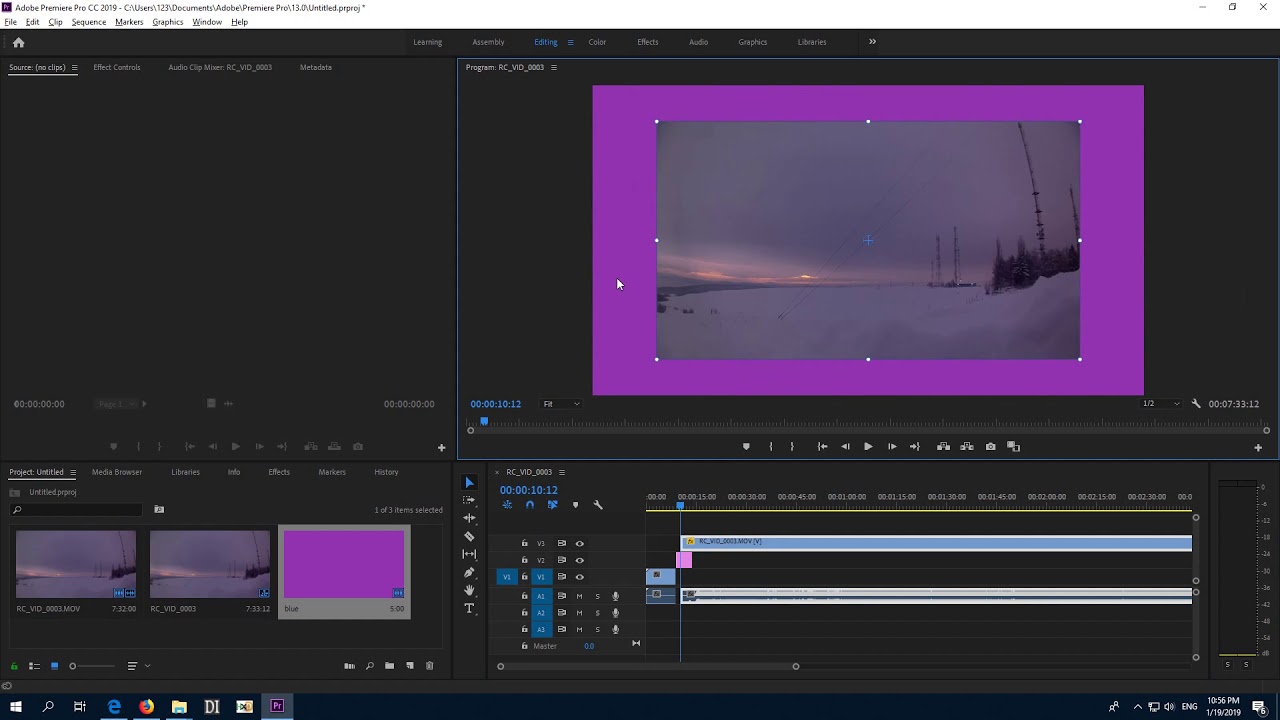
How To Modify Black Background Color In Premiere Pro Color Matte - Youtube Colorful Backgrounds Black Backgrounds Background
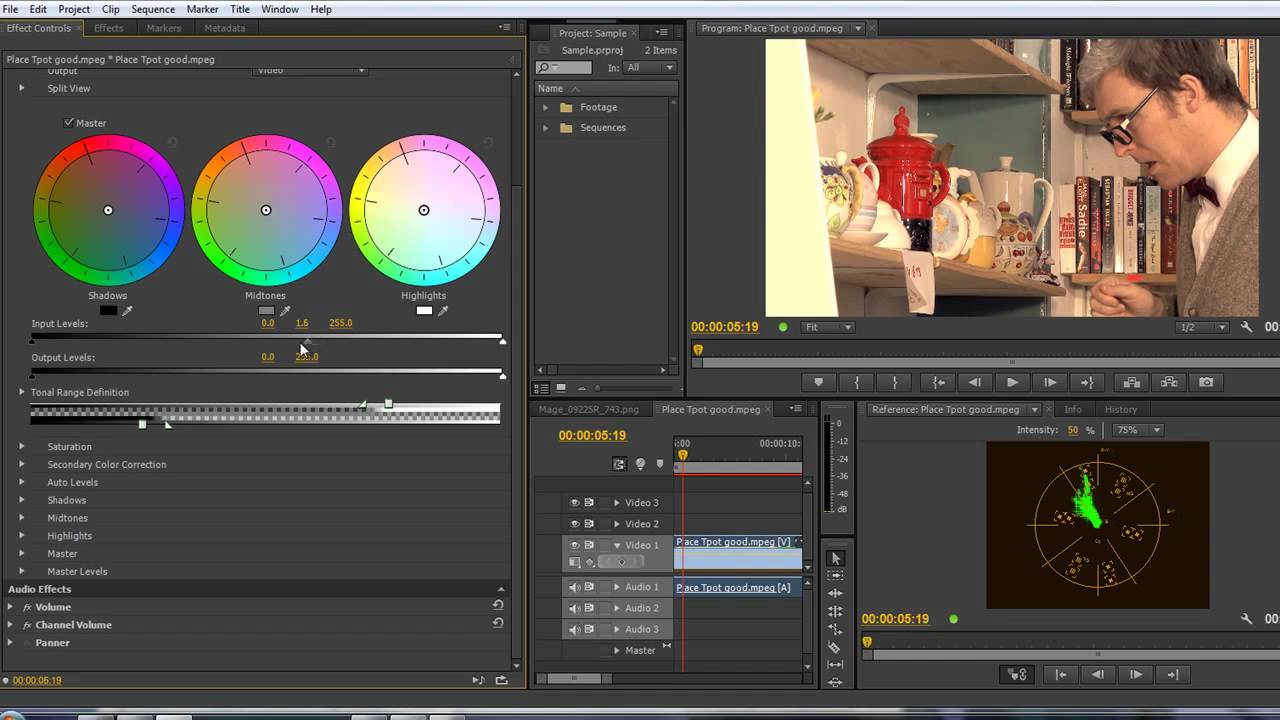
Premiere Pro Cs6 Techniques 54 Color Eight Color Corrector Premiere Pro Color Corrector Adobe Premiere Pro

Power Tip Horizontal Audio Meters In Premiere Pro - The Beat A Blog By Premiumbeat Premiere Pro Adobe Premiere Pro Tips Power

How To Replace Sky Or Change Any Color In A Video Premiere Pro Cs6 Easy-basic Premiere Pro Adobe Premiere Pro Premiere

Question About Logging Footage Premiere Film Editing Video Editing Adobe Premiere Pro

Premiere Pro Color Workspace Passive Transport Color Correction Premiere

Pin On Premier Pro
Adobe Premiere Pro Cc Video Editingtutorial Lumetri Color For Simple Color Grading And Color Correction While V Premiere Pro Cc Video Editing Color Correction
How To Change Background Color In Premiere Pro 2019 - Youtube Change Background Colorful Backgrounds Editing Tutorials

The Best Color Grading Software And Plugins For Video Editors Color Grading Software Video Editor Magic Bullet


Komentar
Posting Komentar