Shortcut To Increase Font Size In Powerpoint
If you hover over the size buttons in powerpoint, the shortcut is shown as ctrl + shift + < or ctrl + shift + >; This powerpoint shortcut closes the active file you are using, without closing the powerpoint application itself.

Microsoft Word Keyboard Shortcut Printable Poster Etsy Microsoft Excel Keyboard Shortcuts Microsoft
Select the font style you want to replace it with (with:).

Shortcut to increase font size in powerpoint. T he purpose of this microsoft word tips & microsoft word help page is to provide a simple method to change the ribbon icon and font size. 226 rows format font style: Hit ctrl + ] to increase the font size in powerpoint 2013.
The size of your ribbon icons and font is determined primarily by your screen resolution. Select the autoformat as you type tab. This is the quickest way to format text font for powerpoint present.
Ctrl + shift + p: Ctrl + shift + tab: Increase/ decrease font size the increase and decrease font size features increase or decrease selected text by 2 points per click
To increase the font size, press ctrl+]. Text as a png image enables resizing. Ribbon icon & font size.
Increase the font size, please press alt+h keys together, and then press fg keys on the keyboard; You’ll want to group (ctrl + g) the png image with the other object (s) and then resize the grouped object while holding down the shift key so you maintain the proportion of the object. Now here’s the weird thing.
Increase or decrease the font size with shortcut keys. I know it's not a big deal to select and change pieces of text one by one, but if you have a lot of slides it can really help. Navigate to the home tab.
If you don't find a keyboard shortcut here that meets your needs, you can create a custom keyboard shortcut. For instructions, go to create a custom keyboard shortcut for office for mac. Ctrl + shift + > decrease font size:
(hold the ctrl key, and press right bracket.) or,. For example, if you highlight a block of text in your. To stop text resizing for all powerpoint presentations (current and new presentations):
Select proofing in the categories on the left. Here are some shortcut keys for you to increase and decrease the text font size of the selected cell(s), please do as this: This is an operating system shortcut, and works in all the microsoft office programs.
Ctrl+shift+f open the font dialog box to change the font ctrl+shift+p open the font dialog box to change the font size ctrl+t open the font dialog box Highlight the text that you want to make bigger or smaller. Increase or decrease font size and also change font style with the help of your keyboard.
If you change the resolution, everything (i.e., ribbon icons, fonts, text will change). Switch between outline and thumbnail pane: Click the font style you want to replace (replace:).
If you need a different font size, use these shortcuts to increase or decrease the size. Ctrl + shift + < display the font dialog box To change your fonts on all slides in powerpoint, simply:
Click the replace dropdown arrow (don’t just select replace). Click the file tab in the ribbon. Move to next placeholder (if on slide’s last placeholder, this inserts a new slide) ctrl + enter:
Many of the shortcuts that use the ctrl key on a windows keyboard also work with the control key in powerpoint on mac. Scroll down or use the side navigation to learn more about these time saving shortcuts for powerpoint.

Shortcuts For Microsoft Word - Useful Formatting Shortcuts For Microsoft Word Increasedecrease Font Size Hacking Computer Microsoft Word 2010 Computer Help

Microsoft Outlook Keyboard Shortcut Printable Poster Etsy Microsoft Outlook Keyboard Shortcuts Pc Keyboard
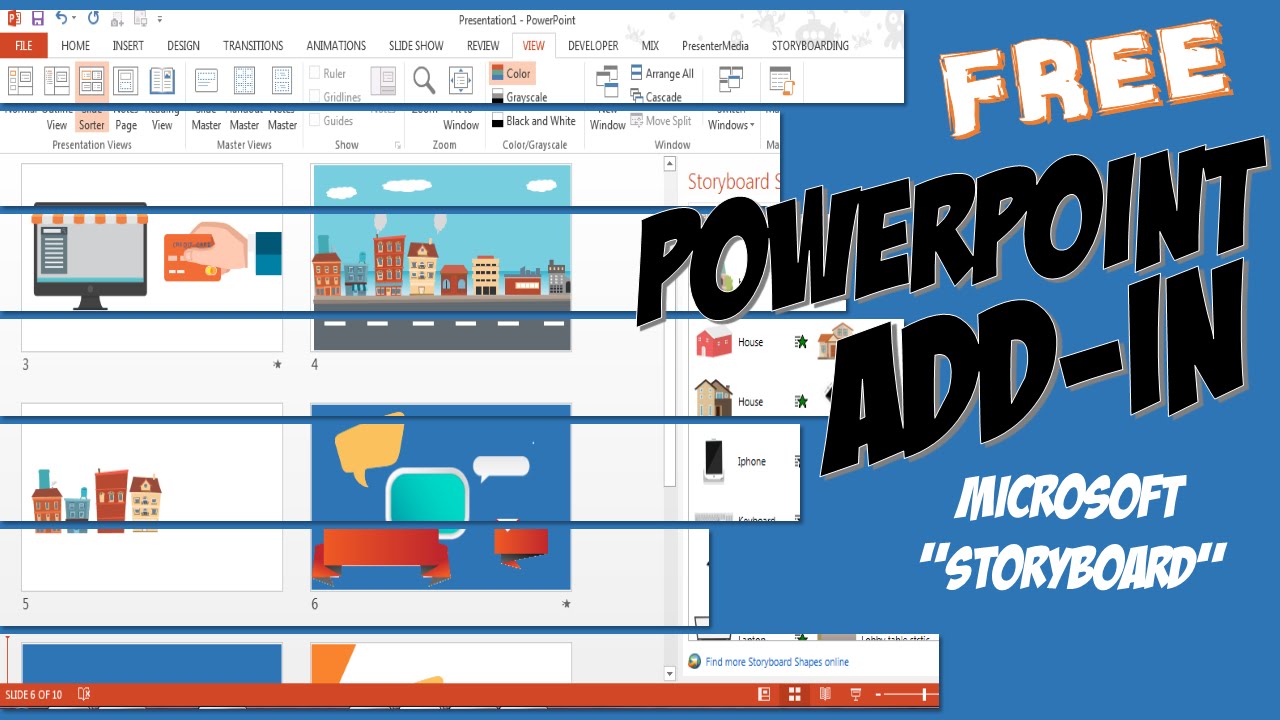
How To Install Powerpoint Storyboard - Youtube Powerpoint Powerpoint Tutorial Computer Skills

Working With Custom Groups In Ribbon Tabs In Powerpoint 365 For Windows Httpfeedproxygooglecomrapowerpointblog3gdx Powerpoint Powerpoint Tips Custom

Microsoft Powerpoint Pc Keyboard Shortcut Printable Poster Etsy Mac Keyboard Shortcuts Microsoft Powerpoint Keyboard Shortcuts

Computer Shortcut Keys Learn Computer Science Computer Shortcut Keys Computer Basics

Repost Ms Words Shortcut Mswords Informative Komputer

Microsoft Cheats Computer Basics Life Hacks For School Writing Skills

Pin On Presentation Skills

Microsoft Word Formatting Microsoft Word Keyboard Shortcuts Microsoft Word Format Words Powerpoint Design

Underline Words But Not Spaces A Turn To Learn Technology Hacks Hacking Computer Computer Knowledge

Microsoft Word Keyboard Shortcut Printable Poster Etsy Microsoft Excel Keyboard Shortcuts Mac Keyboard Shortcuts

Microsoft Powerpoint Shortcuts Words Microsoft Powerpoint Powerpoint

Microsoft Word Formatting Microsoft Word Keyboard Shortcuts Microsoft Word Format Powerpoint Design Words

Pin On Presentation Skills
Internet Download Accelerator Free Will Speed Up Resume File Downloads Download Resume Resume How Are You Feeling

Keyboard Shortcut To Center Your Text A Turn To Learn Computer Basics Computer Help Hacking Computer

Microsoft Increase And Decrease Font Size Quick And Easy With A Shortcuts In Word Outlook And Powerpoint Business Brains

15 Ways To Turn A Very Text-heavy Bullet-ridden Slide Into Amazing Presentation Hackathon Part 3 Marketing Presentation Ppt Slide Design Presentation


Komentar
Posting Komentar