Add Font To Canva Ios
To the right you’ll see the ‘brand fonts ‘ column — scroll down and click upload a font. In this design school tutorial, you will learn how to add fonts to your canva brand kit.

Cara Mengunggah Font Di Canva
This step is crucial for the success of the process.

Add font to canva ios. You will see a message pop up in canva asking if you have the right to use the font. Once you’ve found the font file, select it, and hit “open.” usually, fonts come in either otf or ttf files. Select your font (make sure it’s the font file and not the zipped folder) again—good news!
While i won’t be covering any details about the font history or why these font pairings look great together, i will be providing screenshots which show exactly how each font pairing will display. Then select up to 20 font files to upload at. Best canva font pairings & combinations.
Do that and then click choose. A font dropdown and formatting menu will appear. Sign in to your canva pro account.
Head over to your actual canva.com project, or create a new project. Drag and drop a heading, subheading, or a simple text into your template. Some fonts can’t be bolded or italicized.
Your browser is not supported and may not give the best experience. While you could create these configuration profiles on a mac, there’s an easier way to do it. Edit the text to look how you’d like.
After adding the font file to your project, you need to let ios know about the font. If the font you want is not on the list but you have a licensed copy of it, you can upload it to canva. Click “upload a new font” from your brand kit page;
Download the canva ios app now! Click “upload a font” at the bottom of the list; (if that’s the case, hit me up!
Read along for the ultimate list of canva font pairings to use for your pinterest pin graphics, instagram posts and more.let’s get to it! Having said that, the free fonts are generally speaking good enough and will look good on social media. In canva for work, you can upload your own fonts that you’ve purchased or created yourself.
Tap the text you’d like to add emphasis to. Maximum character limit is 250. Under brand fonts, click the icon next to headings, subheadings, or body.
To do this, add the key fonts provided by application to info.plist (the raw key name is uiapp fonts). On the top of the screen, where you see your actual font, click on it. Let’s put the new fonts into our favorite tool:
Create beautiful designs & professional graphics in seconds. To manage installed fonts, go to settings > general, then tap fonts. Under brand fonts, you can choose from canva’s library or click the upload a font button to add your own.
After clicking the button, it’s time to select the fonts that you want to upload. If this is the case, click yes, upload anyway. Text emojis are currently unsupported and will disappear when downloaded.
Canva will ask you to confirm that you own the fonts and have the right to use them. Select your font from the file manager Canva will display a banner requesting you to confirm that you have the right to use this font.
Canva offers the ability for. Here are the quick steps to upload fonts to canva: Click to find the best 200 free fonts in the canva style.
Now select your text area. Add the name of the font file as an item of the array. Click brand kit on the left.
You can also set the font size, and make it bold or italic. Locate the unzipped font folder on your computer (the one where all your font files live). There is a field with upload a font on the bottom.
Xcode creates an array value for the key; After you download an app containing fonts from the app store, open the app to install the fonts. When the open window pops up, click on the location of the fonts folder you saved your new font(s) in and double click the font you would like to add.
Download a font installer app. Every font is free to download! To make it easier for you to find what you are looking for, i have put the handwritten fonts into two categories:
Share your design via any social media, email or text. Apps like ifont, anyfont, and fonteer all let you download a font on your ipad, and then quickly package it into a configuration profile you can easily install. When you want to upload fonts to canva, specifically custom fonts, you need to be log on to the correct team to access the right brand kit.
Click on the font dropdown. A text box will appear on your design. Fonts must be installed using a ios configuration profile.
Select a font from the dropdown menu. Click on “upload a font” at the bottom of the list. Free fonts and canva pro fonts.
Now go to the section that says, “ uploaded fonts ”. Tap b for bold, i for italics, aa for capital letters. Type in the text you’d like to add.
Now click “upload a new font” from the brand kit page. Then scroll down until you see a button that says, “ upload a font ”. Tap + add some text of your own.
Use it to navigate through your device until you find the font files that you’d like to upload. Help a sister out, because that’s a skill i wish i had!) and in the sea of pinterest, it’s important to be able to make your. Please don’t include any personal information in your comment.
A new window with all the fonts pops up. Be sure to include the file extension as part of the name.
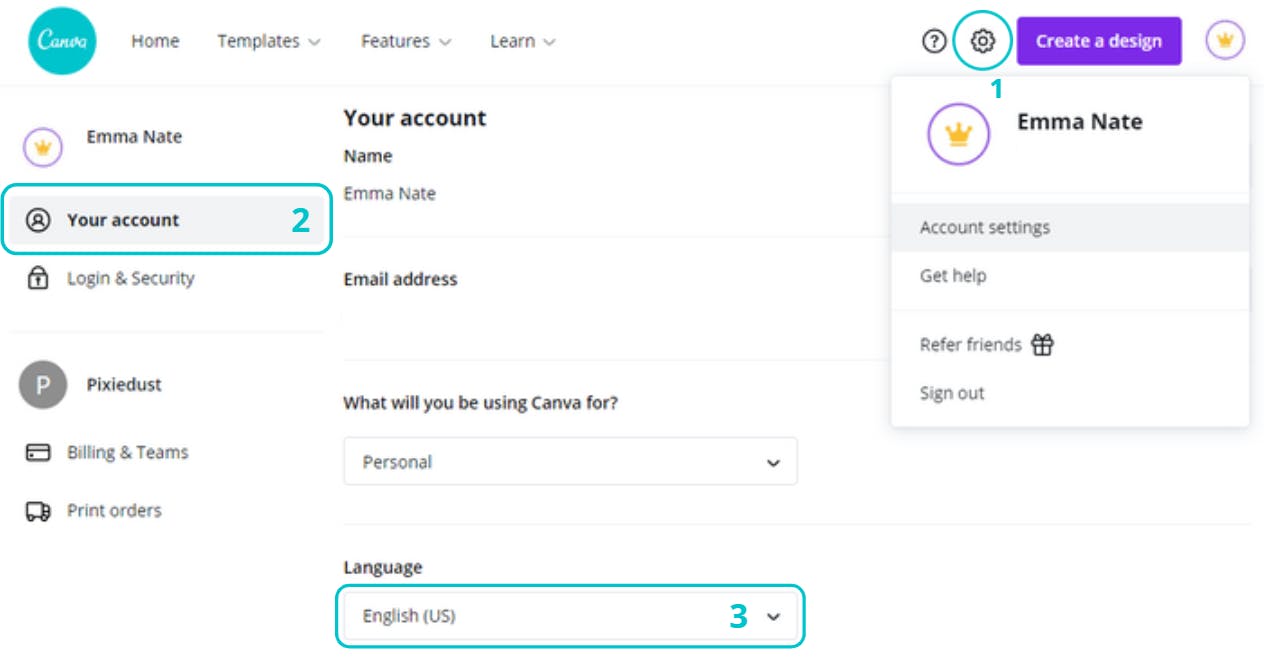
Language Settings - Canva Help Center

Best Canva Mockup Template For Iphone Ig Feed Display Iphone Mockup Mockup Template Instagram Mockup

List Of Canva Best Font Pairings In 2021 Font Pairing Design Tutorials Font Combinations

Cara Mengunggah Font Di Canva

How To Create Rose Gold Text In Canva Tutorial - The Sparkling Brunette Canva Tutorial Gold Text Canva Design
How To Upload A Font To Canva Add Custom Fonts Import For Your Brand

Iphone Reminder Canva Template Instagram Post Template Iphone Reminders Post Templates

Cara Mengunggah Font Di Canva

How To Upload A Font To Canva Add Custom Fonts Import For Your Brand
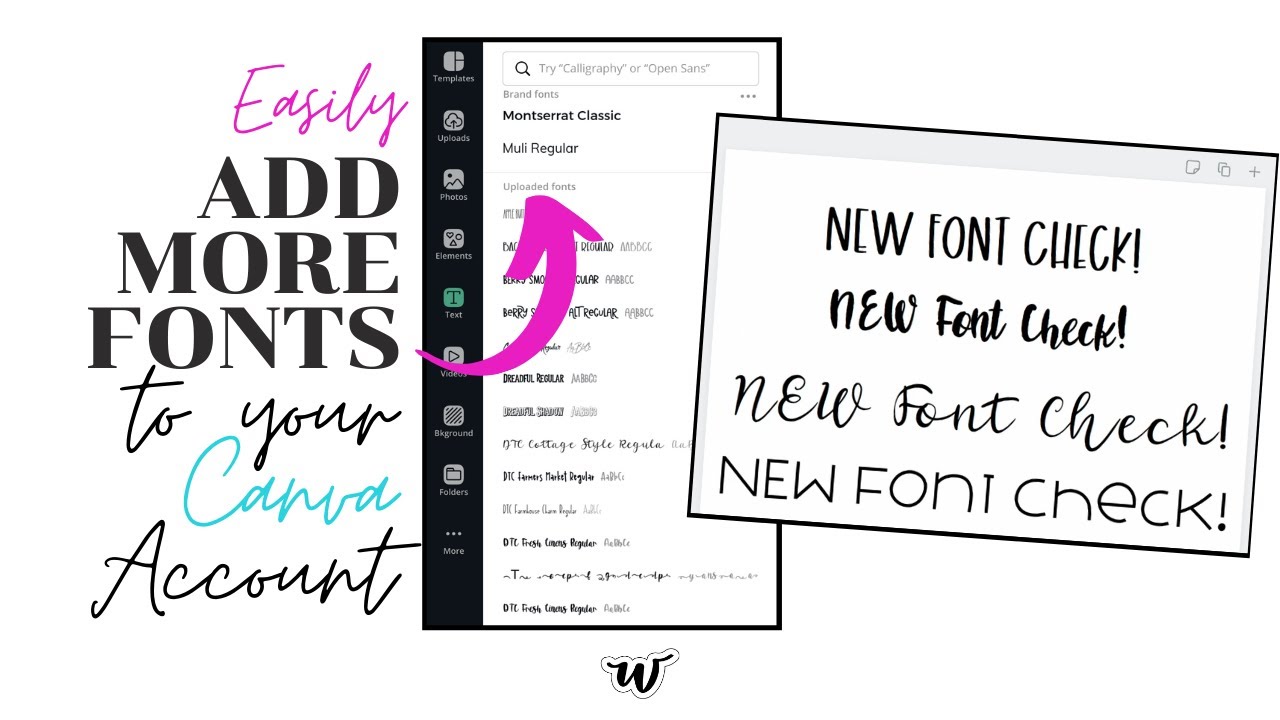
How To Add Google Fonts Or Any Font To Canva - Youtube
How To Import New Fonts On Canva - Youtube
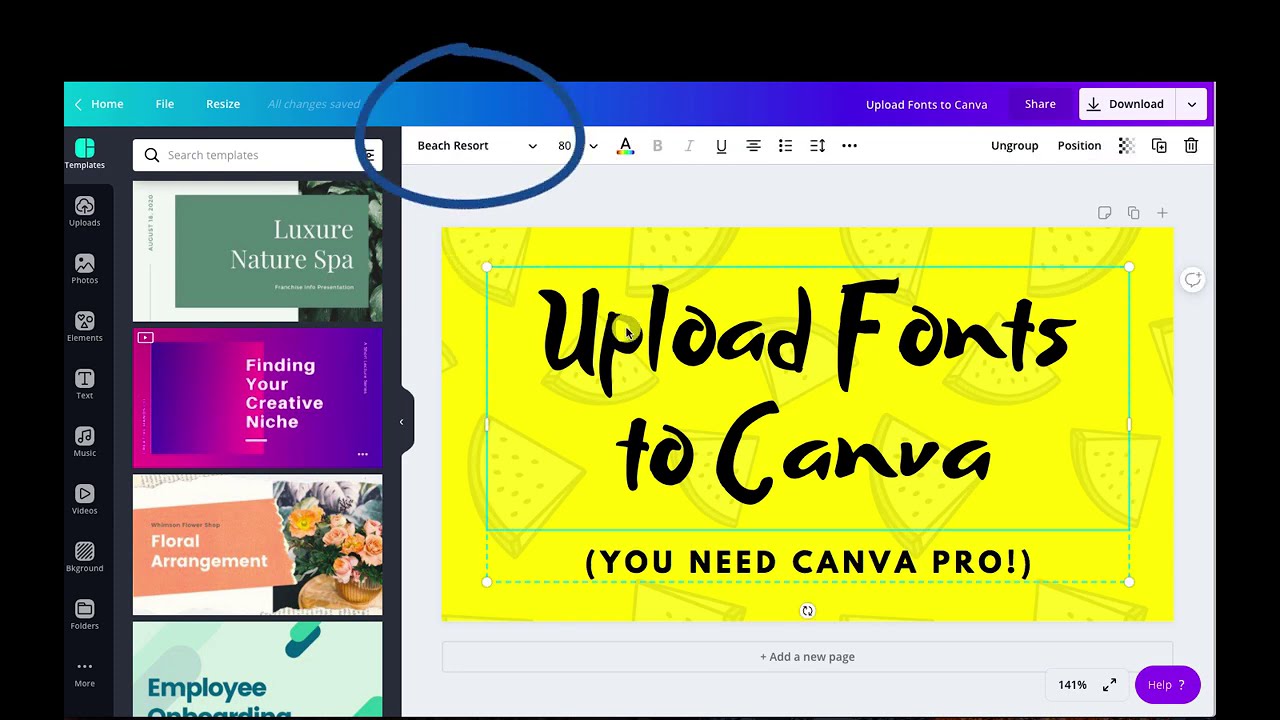
How To Upload A Font To Canva Add Custom Fonts Import For Your Brand

How To Import New Fonts On Canva - Youtube

Set Of Blank Iphone Reminder Png Stickers Quote Images Instagram Story Stickers Ig Stories Mockup Canva Template Design Neutral Clip Art Iphone Reminders Reminder Image Quotes

How To Upload A Font To Canva Add Custom Fonts Import For Your Brand
How To Upload A Font To Canva Add Custom Fonts Import For Your Brand

How To Upload A Font To Canva Add Custom Fonts Import For Your Brand

How To Upload A Font To Canva Add Custom Fonts Import For Your Brand

Pin On Canva


Komentar
Posting Komentar