Change Default Font In Text Box Powerpoint
This will update the font in any text boxes that match your slide templates. In powerpoint 2016, the default font for text boxes and shapes is calibri with font size of 18 points.
How To Disable Auto Fit For Text In Powerpoint
Autofit feature is turned on by default for text box placeholders.

Change default font in text box powerpoint. Select the apply settings to new text boxes check box. Then type some text with the font type, size, colour, etc. The autofit in powerpoint is a feature that allows you to automatically resize the shape or shrink text when more characters are typed than can actually fit in a text box.
The text box default font should belong to the body font. This will update the font used across your powerpoint slide master template. Select the font you want, the color, the alignment, the size, the space between the letters—anything you want to become the default.
Open the template and create a text box. To change fonts, select a text box. Now we can click the title and select the color from the home menu.
Once you have set the font you want to use as the default font, on the themes tab of the ribbon click the small triangle immediately to the right of the save theme button. Screenshot go to home and, in the font group, select the font, size, style, color, and effects you want to apply to the text box. To set different default font will help you not to change every time you use text box.
We can easily adjust the default text box formatting. Copy the words not the text box in another presentation file > paste as “keep text only” We then apply our desired formatting to the textbox, including text color, font size, and so on.
Comment changer la police par défaut pour les zones de texte dans word. Our choices are sketchy scribble outline, light grey, thick line and text wrapping: On the shortcut menu, click format text box, and then click the colors and lines tab.
That you require as the default for your text box font. Go to home and, in the font group, select the font, size, style, color, and effects you want to apply to the text box. If you wish to go back to the powerpoint 2003 settings, the default font style for “title” text boxes is.
To do this, we create a textbox in our presentation. It includes heading font and body font style. Insert | text box | text box does not use the text box defaults.
Now, click on the file tab and select save as. Microsoft powerpoint 2007 has default font in text box as calibri, 18 pt, black. To change the default font for text boxes, follow the next steps:
Rather than changing fonts in your slides one by one, you can change the default fonts for your entire presentation. When you’re done, right click on the. To change fonts, select a text box.
Click view > slide master. See also this tip in french: Enter office as the name of the new theme font.
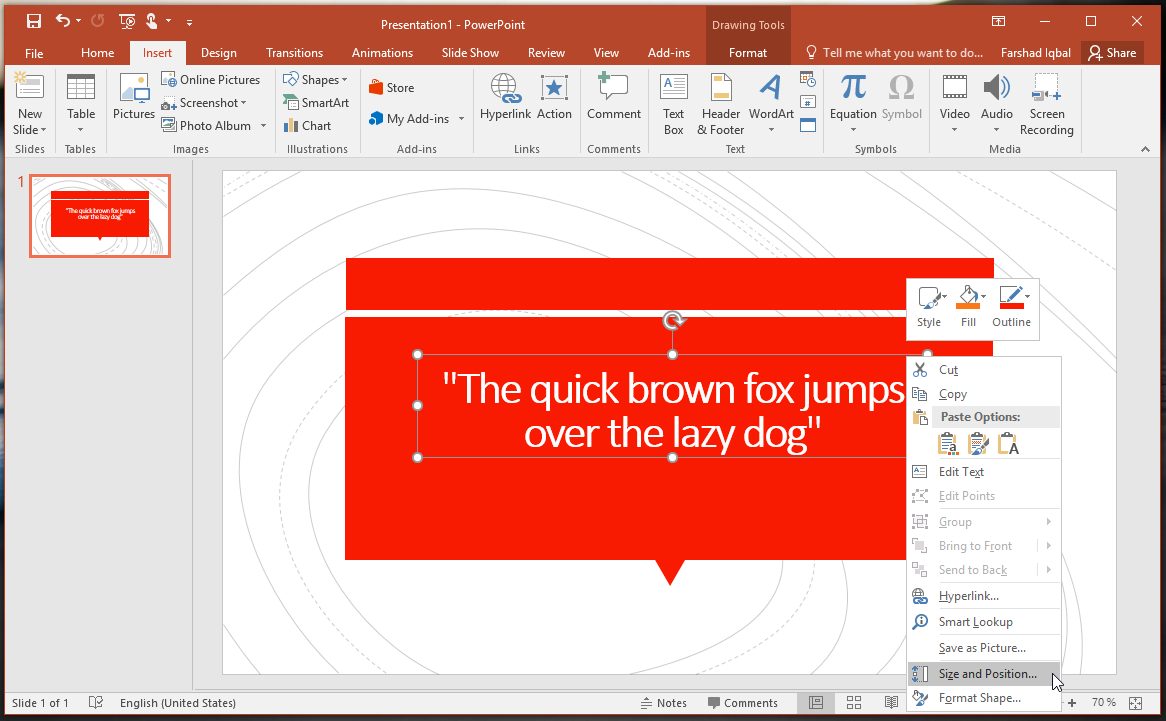
There is no way to change the default font style for all presentations in powerpoint 2007. Create a new text box in your presentation: Click on the edge of this text box so that it shows a solid line with selection handles on its perimeter (see figure 1).
When you are finished, click on the slide master tab and select close master view. You can also have multiple fonts in one text box. The font pairing (header font, body font) is an important design decision in powerpoint.
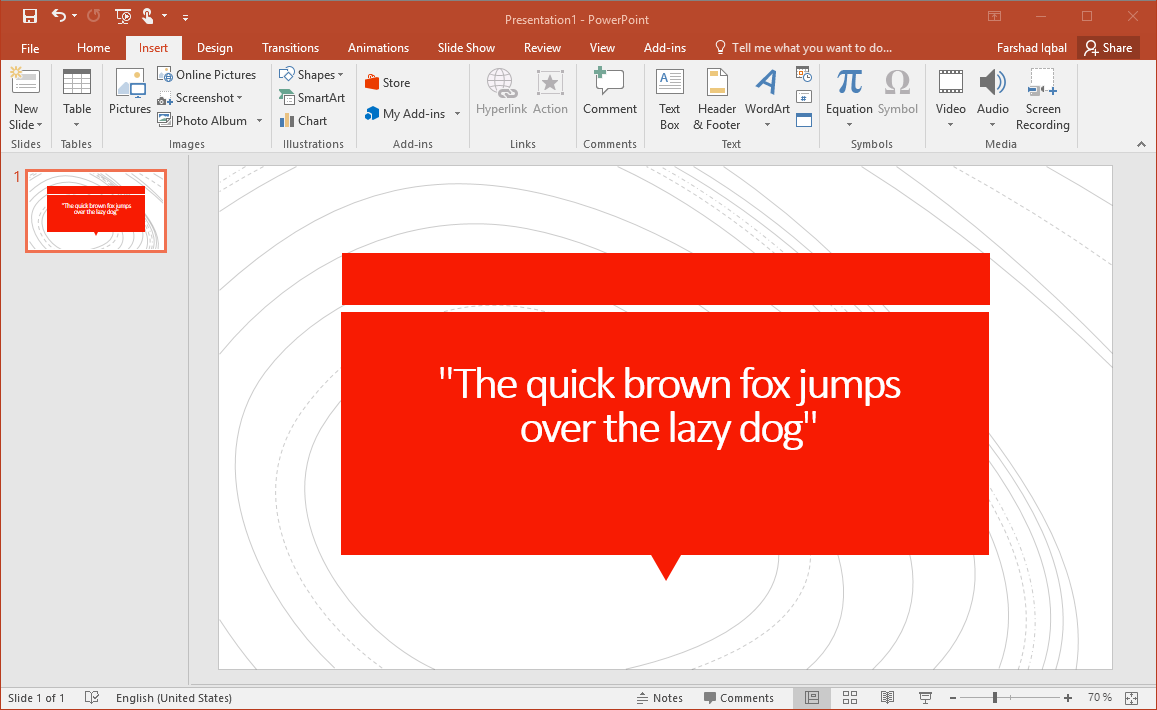
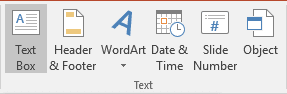
In this example we chose a red color from the theme colors tab. In the dialog box that appears, select save as type and choose powerpoint template (*.potx). On the insert tab, in the text group, click text box:
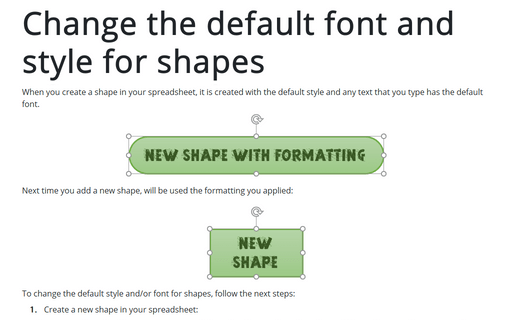
Then select the format shape option near the bottom of the options that appear. Textboxes should have the same formatting as text placeholders. Next time you add a new text box, word will use the formatting you applied:
Select the font you want to use for all the slides in the presentation. However, you can turn it off to prevent text from resizing. Click the “close master view” button to apply the changes.
Select the default fonts that user wants to use as heading font and body font. The font used in a text box is the default set in your theme, but you can change it at any time. Click on fonts at the rear of themes group, and select create new theme fonts.
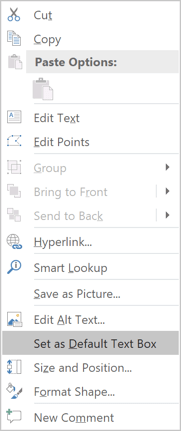
The same font formatting will then be applied each time you create a new text box. Thus in order to change the default font, follow these steps: We then right click the textbox and select set as default text box.
You can change the default font style in a presentation, but you will have to do it for every presentation you create. From this menu, select the set as default text box option, refer to figure 2 again.
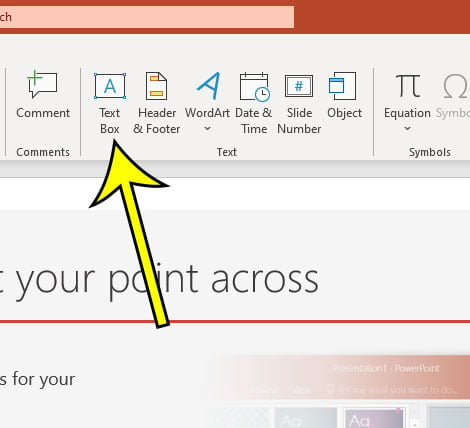
How To Add Or Delete A Text Box In Powerpoint 2016 - Live2tech

Change Default Shape And Text Box In Powerpoint - Youtube A Little While Ago I Was In Facebook Group Where Som Powerpoint Informative Powerpoint Presentation

Changing The Default Font Size And Style In Silhouette Studio Silhouette Studio Silhouette School Style

Free Infographic Flat Powerpoint Template - Slidemodel Powerpoint Templates Free Infographic Infographic
How To Disable Auto Fit For Text In Powerpoint
Move Or Reposition Text Boxes Accurately On A Slide In Powerpoint 2016 For Mac Powerpoint Text Mac
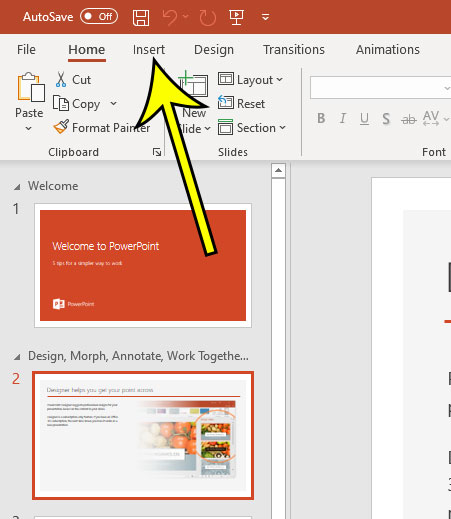
How To Add Or Delete A Text Box In Powerpoint 2016 - Live2tech

Ms Word 2016 - Set Favorite Font Face Size As Default Words Font Face Ms Word

Modern Text Boxes For Powerpoint - Presentationgo Powerpoint Powerpoint Tips Powerpoint Templates

Are You Creating Powerpoint Slides But Youre Just Not Happy With The Default Font In The Presentation If So Y Powerpoint Powerpoint Tips Powerpoint Tutorial

Inserting A Text Box In Powerpoint 2016 For Mac Powerpoint Text Insert Text

How To Change Embed Or Add Fonts In Powerpoint - Tutorial
Change The Default Font For Text Boxes In Powerpoint - Microsoft Powerpoint 2016
Change The Default Font For Text Boxes In Powerpoint - Microsoft Powerpoint 2016
Change The Default Font For Text Boxes In Powerpoint - Microsoft Powerpoint 2016
Change The Default Font For Text Boxes In Powerpoint - Microsoft Powerpoint 2016

Powerpoint Mouseover Text Step 1a - Open Hyperlink Dialog Box With Callouts Powerpoint Tutorial Powerpoint Powerpoint Tips

Check Out This Amazing Template To Make Your Presentations Look Awesome At Presentation Example How To Plan Paper Presentation

How To Change The Default Font In Powerpoint For Office 365 - Blog - Wise Tech Labs Cute Powerpoint Templates Powerpoint Powerpoint Presentation


Komentar
Posting Komentar